
Seed Phrase Compromise - Why It's Game Over
Your seed phrase is the most important part of your crypto wallet. It's the equivalent of a master key, giving full access to everything your wallet holds across all blockchains and addresses.
Once your seed phrase is compromised, there is no undo button. No reset switch. No revoking. Just complete access to your crypto for the attacker. This article will outline how seed phrase compromise happens, how to recognize it, and what to do if you are affected.
How Do You Know Your Seed Phrase Is Compromised?
A compromised seed phrase gives an attacker full control over your wallet. There are three warning signs that your seed phrase has been compromised:
- Tokens start disappearing across multiple chains
- Your wallet is drained within seconds of receiving funds
- Multiple addresses connected to the same seed phrase or device are affected
If any of these are happening, you need to act immediately.
How Does It Happen?
Many users don't realize how easy it is to accidentally expose their seed phrase. These are the most common causes:
Fake Software Downloads
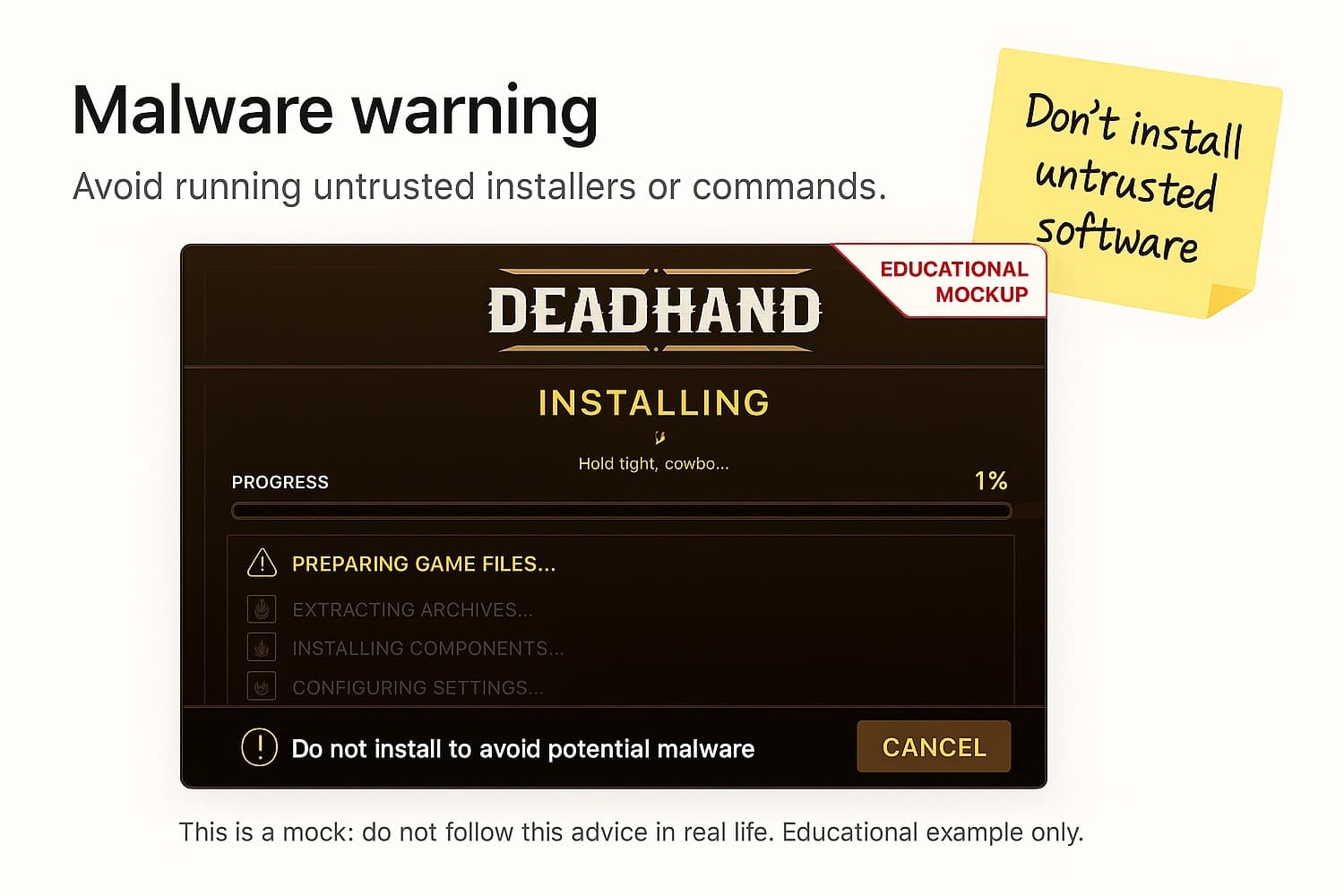
Attackers create convincing-looking applications like game launchers, conferencing tools, or productivity apps that secretly install malware on your device. Once installed, the malware scans your system for wallet data and seed phrases stored in browser extensions, local files or clipboard history.
Phishing Websites
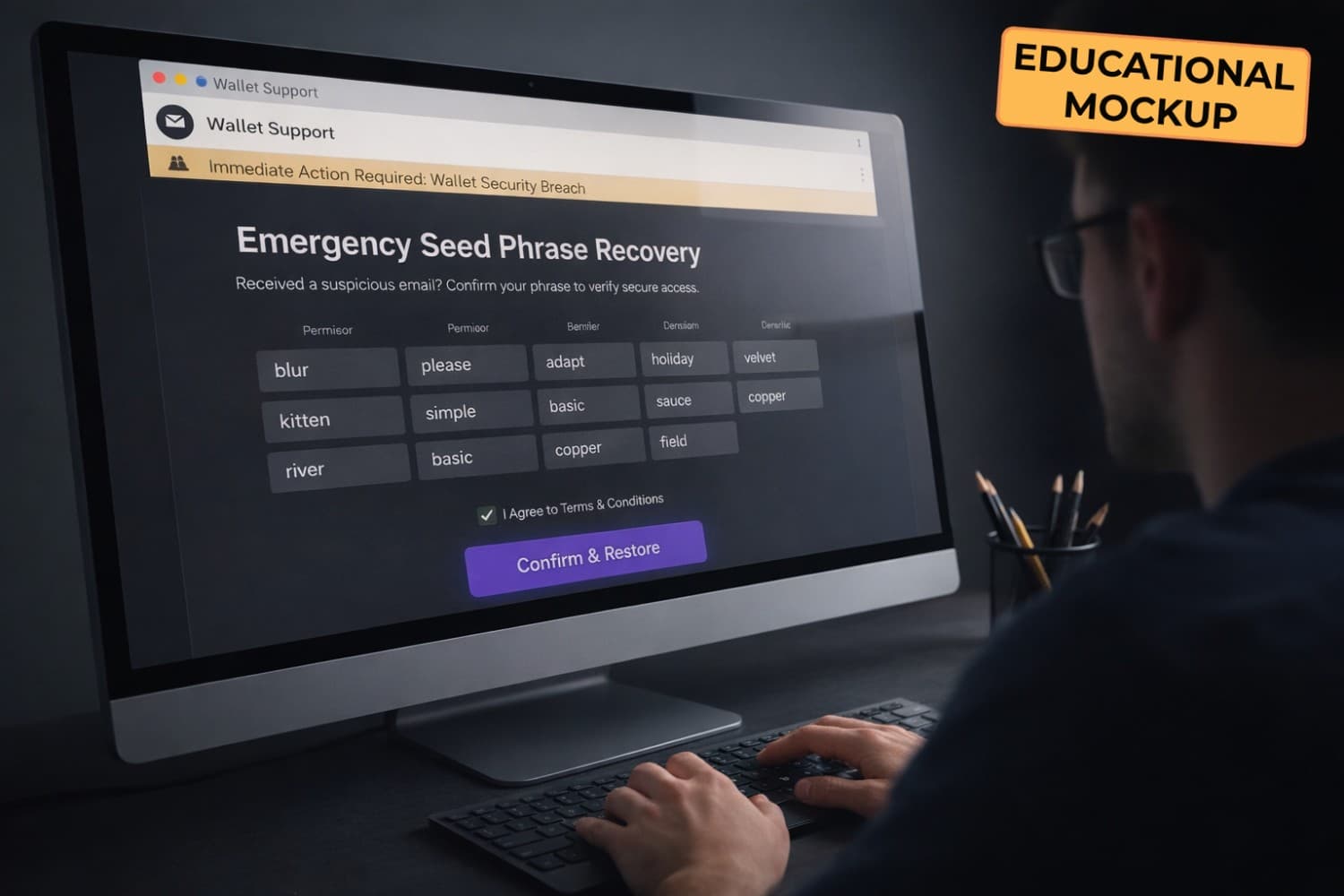
Fake websites impersonate legitimate wallet providers or dApps, asking you to enter your seed phrase into a "wallet verification" or "restore wallet" form. No real service will ever ask for your seed phrase - if a site requests it, it's a scam.
Cloud Storage Backups
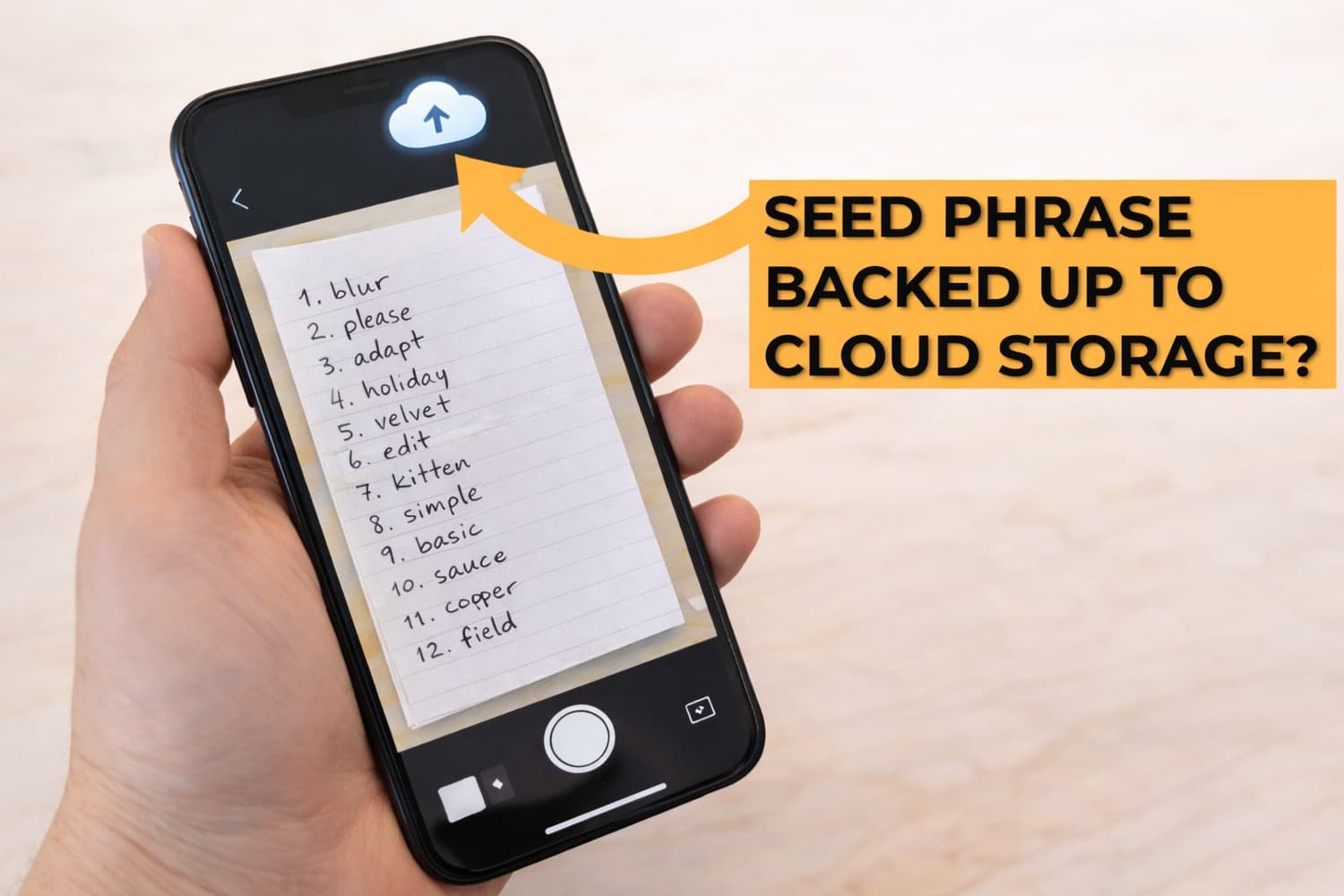
Saving your seed phrase in Google Drive, iCloud, Dropbox or similar services may feel convenient, but it exposes your seed phrase to anyone who gains access to your account. A single data breach, compromised password, or leaked session token can give an attacker everything they need.
Malicious Terminal Commands
Attackers trick users into running terminal commands that silently install malware or exfiltrate sensitive data from their device. These commands are often disguised as troubleshooting steps, dev tool setups, or airdrop claim instructions shared in Discord or Telegram.
AI Tools and Autonomous Agents
Compromised or malicious AI agents with system-level access can silently execute commands and exfiltrate wallet data without any visible prompt. As AI tools become more integrated into developer workflows, this attack vector is growing rapidly.
All of these paths lead to the same destination: Your wallet is compromised. Forever. Fake downloads and malicious terminal commands are increasingly common attack vectors. For a detailed breakdown of how malware works and how to protect your device, see our companion article: Common Scam: Malware & Fake Downloads
How to Prevent Seed Phrase Compromise
The best defense is prevention. These steps focus specifically on how you handle and store your seed phrase:
- Never enter your seed phrase into a website, form or app - no legitimate service will ever ask for it
- Never store your seed phrase in cloud storage, digital notes or photos/screenshots
- Never save your seed phrase on any internet-connected device
- Always write your seed phrase down on paper (or even better, more durable solutions like metal plates) and store it somewhere physically secure
- Always use a hardware wallet - it keeps your private keys offline and away from your device entirely
What to Do If You've Been Compromised
If you caught the attack early, before your wallet was drained, see Common Scam: Malware & Fake Downloads for immediate device response steps. Act fast because every second counts here. If your wallet is already acting being drained or you suspect your seed phrase has been exposed:
- Assume your device has been compromised - don't second guess it
- Back up your important files and wipe your device completely
- Create a new wallet on a clean device - preferably a hardware wallet
- Move your funds as fast as possible - but be aware of sweeper bots that monitor compromised wallets and front-run your transactions
- If high-value funds are still at risk, contact the Flashbots Whitehat Hotline for assistance
TL;DR
- Your seed phrase is your master key - whoever has it, owns your wallet
- Common causes: fake downloads, phishing websites, cloud backups, malicious commands and compromised AI tools
- Store your seed phrase offline in a durable format and never enter it anywhere
- If compromised: wipe your device, create a new wallet, move funds immediately